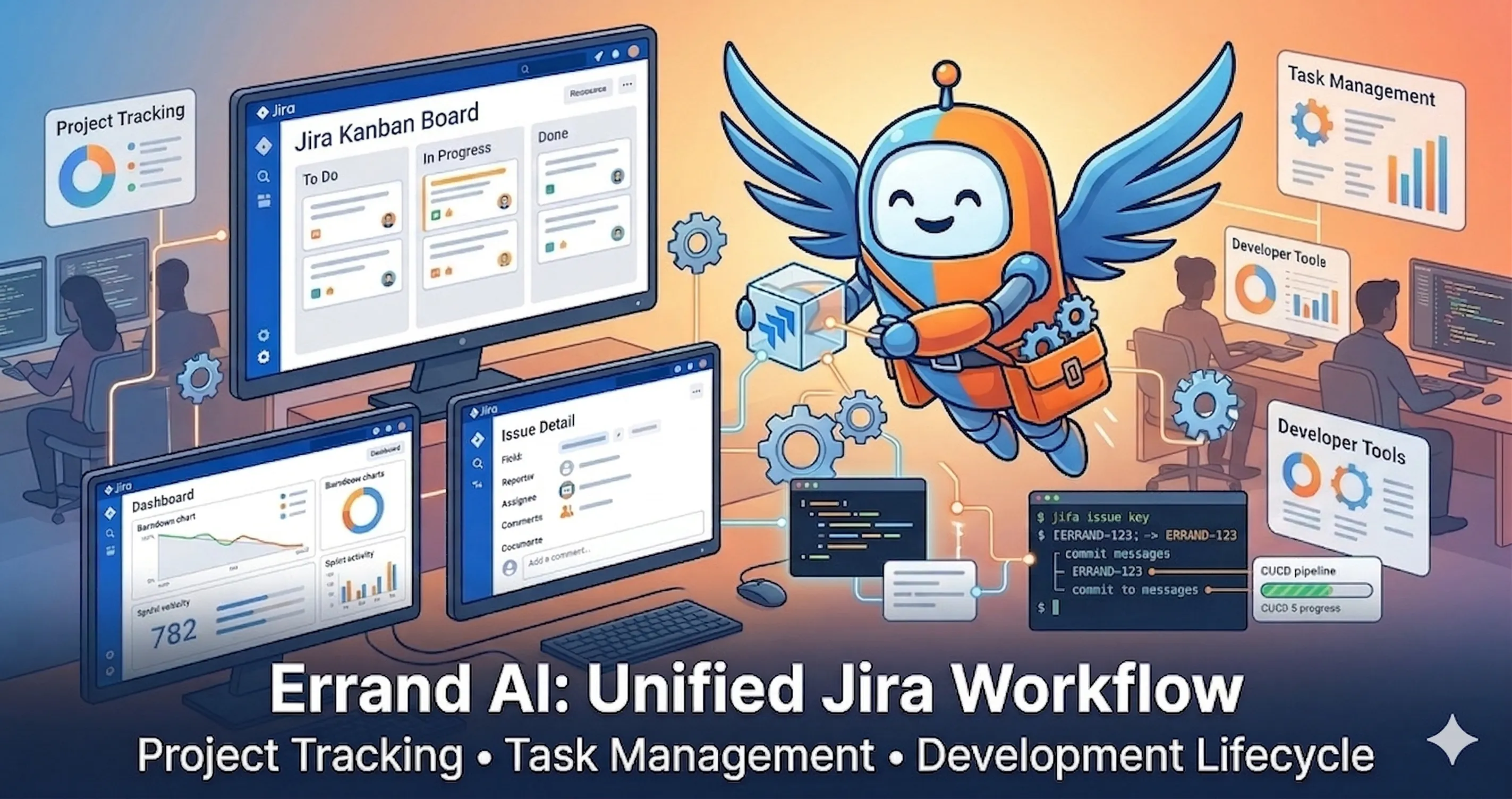
One of the most common questions we hear is: “Can I use Errand AI from the tools my team already uses?”
Today, the answer is yes. We’re shipping Jira Cloud integration — a webhook-based system that lets teams delegate work to Errand’s AI agents directly from their Jira board.
Label a ticket. Errand picks it up, does the work, posts the results back, and transitions the issue to Done. No context-switching. No copy-pasting between tools.
How It Works
The integration is built around webhook triggers — configurable rules that watch for Jira events and create Errand tasks when the right conditions are met.
Here’s the flow:
- A Jira issue is created or updated — someone files a bug, creates a research ticket, or adds a label like
errandto an existing issue - Jira fires a webhook to Errand (directly or via Errand Cloud relay)
- Errand evaluates the trigger filters — does this event match the configured event types, issue types, labels, and projects?
- On match, Errand creates a task — with the issue summary as the title, the description as context, and the configured task profile for execution
- The AI agent executes the task — using whatever tools and capabilities the profile provides (web search, file access, MCP servers, etc.)
- Results flow back to Jira — Errand comments the output on the issue, transitions it to the target status, and optionally assigns it to the service account
The entire round-trip is automatic. The person who created the Jira ticket sees the AI’s work appear as comments on the issue they’re already looking at.
What You Can Configure
Each webhook trigger is independently configurable:
Filters narrow which events create tasks:
- Event types — react to issue creation, updates, or both
- Issue types — only trigger on Stories, Bugs, Tasks, or custom types
- Labels — trigger when a specific label is added (e.g.
errand,ai-review,automate) - Projects — scope to specific Jira projects
Actions control what happens when a task completes:
- Add comment — post a status comment when the task starts and finishes
- Comment output — include the full task output in the completion comment
- Transition on complete — automatically move the issue to “Done”, “Closed”, or any target status
- Assign to service account — claim the issue when work begins
- Add label — tag processed issues (e.g.
errand-complete)
Task profiles control how the AI works — which model to use, what system prompt to follow, which MCP tools are available, and what skills to apply. You can create different profiles for different kinds of work: one for code review, another for research, a third for data analysis.
Why This Matters for Teams
Integrate with your sprint cadence
Most teams already have a rhythm: plan work in Jira, assign it, track progress on the board. Errand’s Jira integration slots into that existing flow without requiring anyone to learn a new tool or change their process.
A product manager labels a ticket “errand” during sprint planning. By the time the daily standup happens, the AI has already done the research, written the analysis, or generated the report — and the results are right there on the ticket.
Scale the work your team can take on
Some tickets sit in the backlog because they’re important but nobody has bandwidth — competitive analysis, documentation reviews, data gathering, security audits, dependency updates. These are exactly the kind of structured, well-defined tasks that AI agents handle well.
With webhook triggers, you can create a Jira filter for “tickets labelled ai-candidate” and let Errand work through them continuously. Your backlog stops growing.
Keep humans in control
The trigger system is designed for delegation, not automation-by-surprise:
- Triggers only fire on explicit signals (specific labels, issue types, projects)
- Every action is configurable and auditable
- Results appear as Jira comments that humans review before acting on
- Tasks run with specific profiles that constrain what the AI can do
You decide what gets delegated. The AI does the work. Humans review the output.
Multi-Tenant and Cloud-Ready
The webhook receiver supports both direct connections and Errand Cloud relay. When you’re running Errand behind a firewall (as most teams do), Cloud acts as the bridge — Jira sends webhooks to a public Errand Cloud endpoint, and Cloud routes them to the correct Errand instance using HMAC signature matching.
This means multiple teams can run separate Errand instances, each with their own triggers and secrets, all sharing the same Jira webhook URL. The routing is transparent — you configure one URL in Jira and the secret handles everything.
Beyond Jira
The webhook trigger system is designed to be source-agnostic. Jira is the first integration, but the architecture supports any webhook-based service:
- GitHub — trigger tasks from issue events, PR reviews, or workflow failures
- Linear — react to issue creation and status changes
- GitLab — process merge request events and pipeline failures
- Custom webhooks — any service that can send an HTTP POST with an HMAC signature
Each source gets its own handler for payload parsing and filter evaluation, but shares the same trigger model, task creation flow, and completion callback infrastructure. Adding a new source is a handler, not a rewrite.
Getting Started
The Jira integration is available now. To set it up:
-
Connect Jira — go to Settings > Integrations and enter your Atlassian Cloud ID, site URL, API token, and service account email. Errand verifies the connection before saving.
-
Create a webhook trigger — go to Settings > Task Generators, click “Add Trigger”, select Jira as the source, configure your filters and actions, and assign a task profile.
-
Configure the Jira webhook — in your Jira project settings, add a webhook pointing to your Errand instance’s
/webhooks/jiraendpoint (or the Errand Cloud relay URL shown on the trigger detail page). Use the generated webhook secret for HMAC verification. -
Test it — create a Jira issue matching your trigger filters and watch Errand pick it up.
The webhook secret is generated automatically and stored encrypted. It’s never exposed in API responses — the UI shows a masked value after the initial save.
What’s Next
This release lays the groundwork for deeper project management integration. Coming soon:
- GitHub Projects integration — the same trigger-and-callback pattern, applied to GitHub issues and project items
- Sub-task breakdown — use AI to decompose Feature tickets into implementation sub-tasks
- Bi-directional sync — keep Errand task status and Jira issue status in lockstep
- Webhook trigger analytics — see which triggers fire most, average execution time, and success rates
Errand AI runs on your infrastructure, keeps your data under your control, and now fits into the tools your team already uses.